Start from a Template with the Wizard
How to pick a template that fits your situation and start a routine easily.
Open More > Creation Wizard on Home. You can pick a template that fits you. Start by choosing a theme.
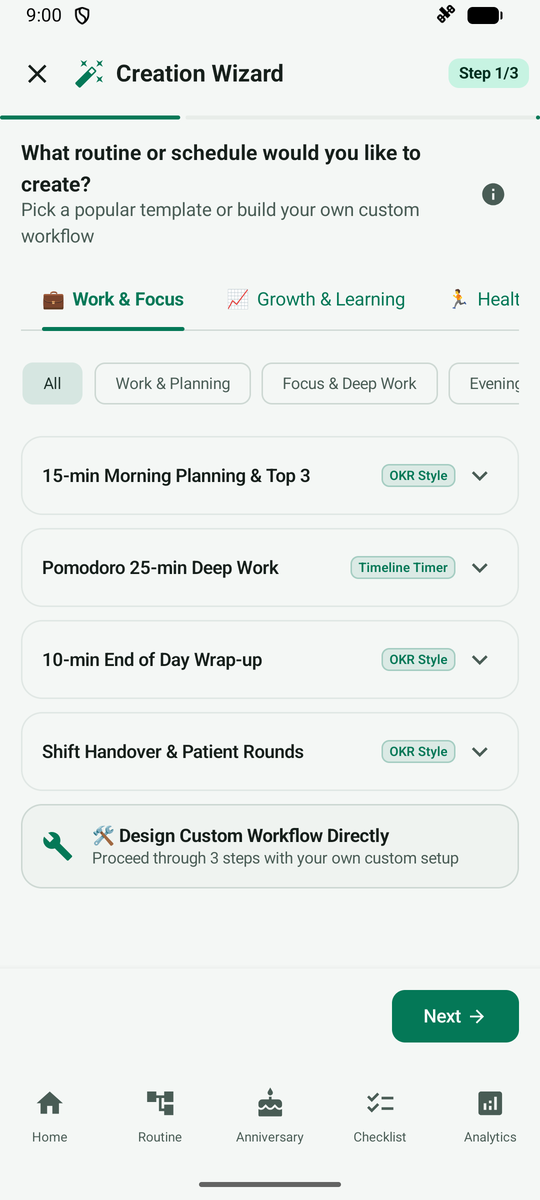
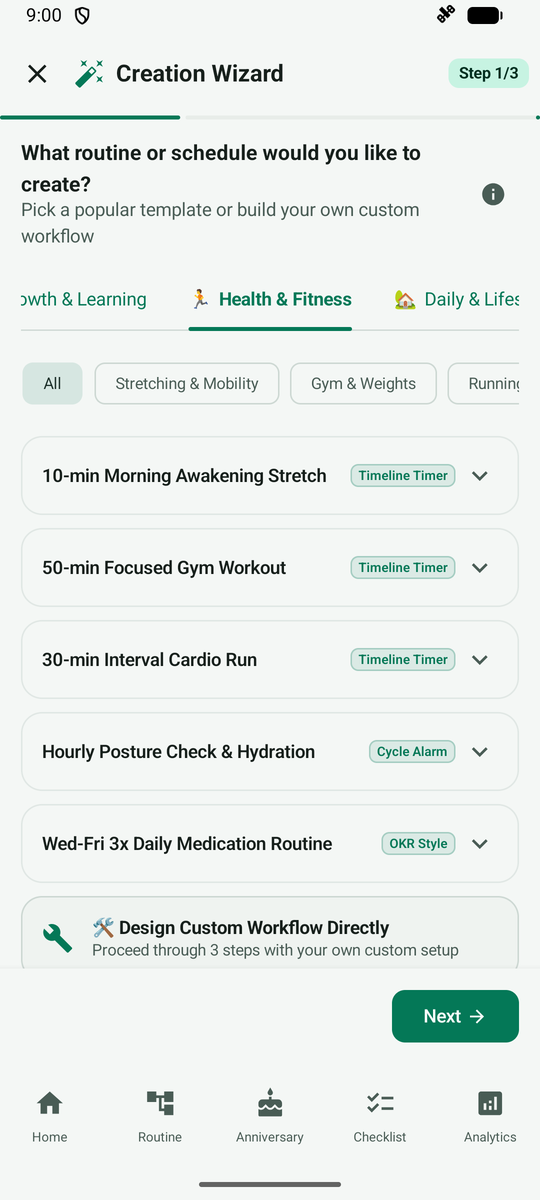
After you pick a theme, only the templates for that topic are shown.
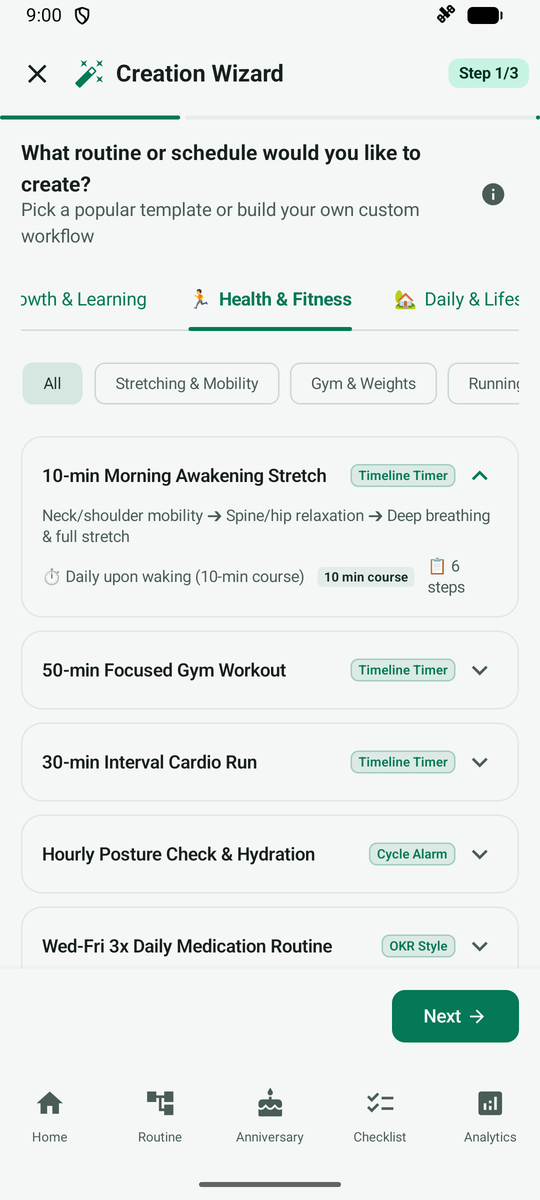
Tap Expand step details to preview which steps a template contains. Then choose the one you like.