Make a Checklist
Make a list you tick off item by item. The example is a 'Weekend Groceries' list.
Open the Checklist tab. A one-line input creates a new checklist right away.
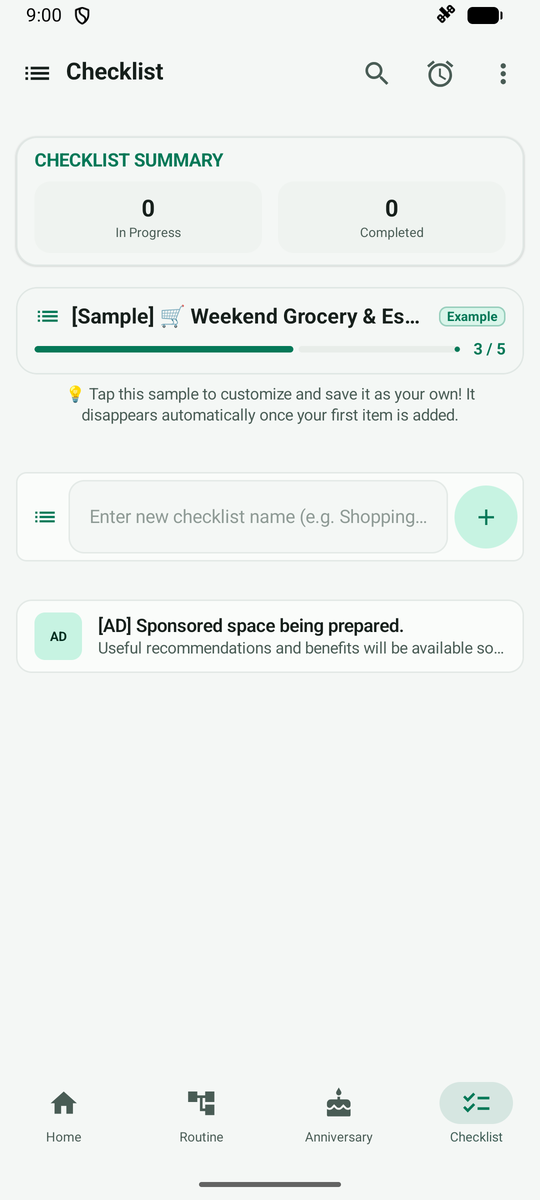
Type a name and tap +. The checklist is created and a screen for filling in items opens.
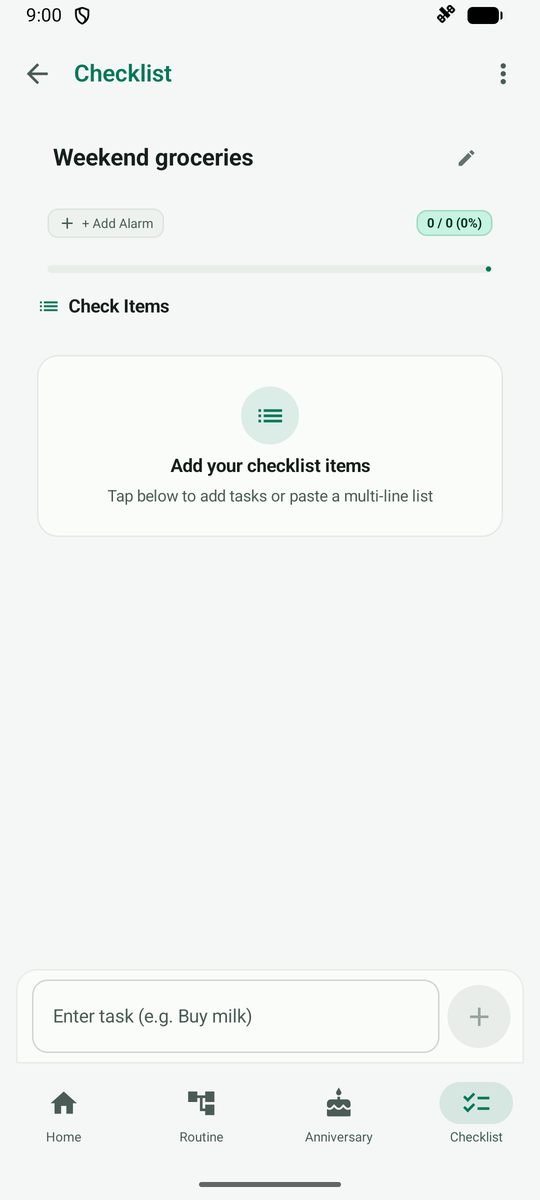
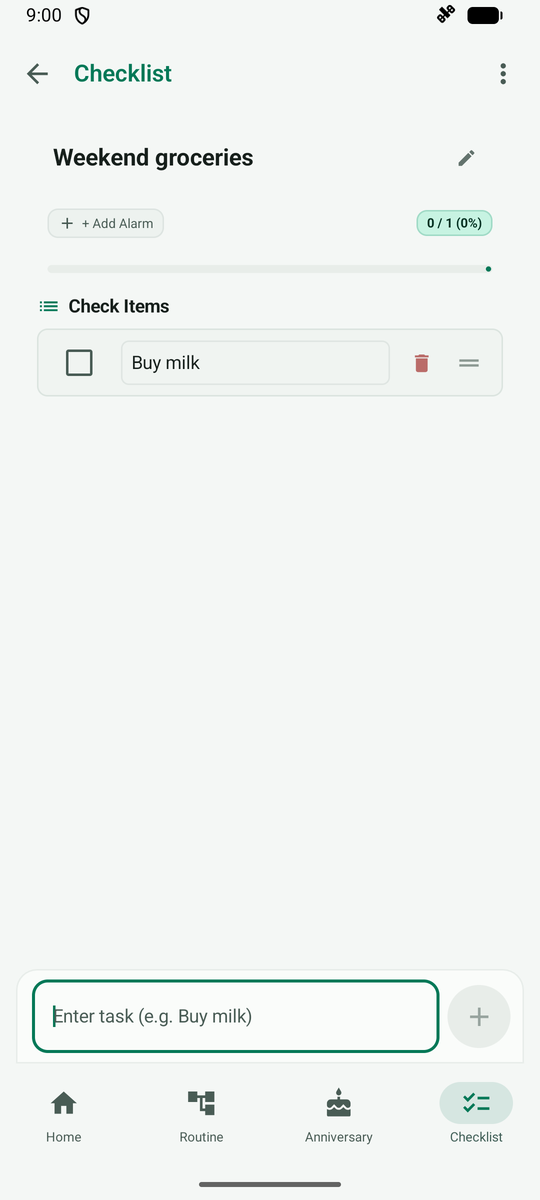
Type an item in the box at the bottom and tap the add button. It is added to the list.
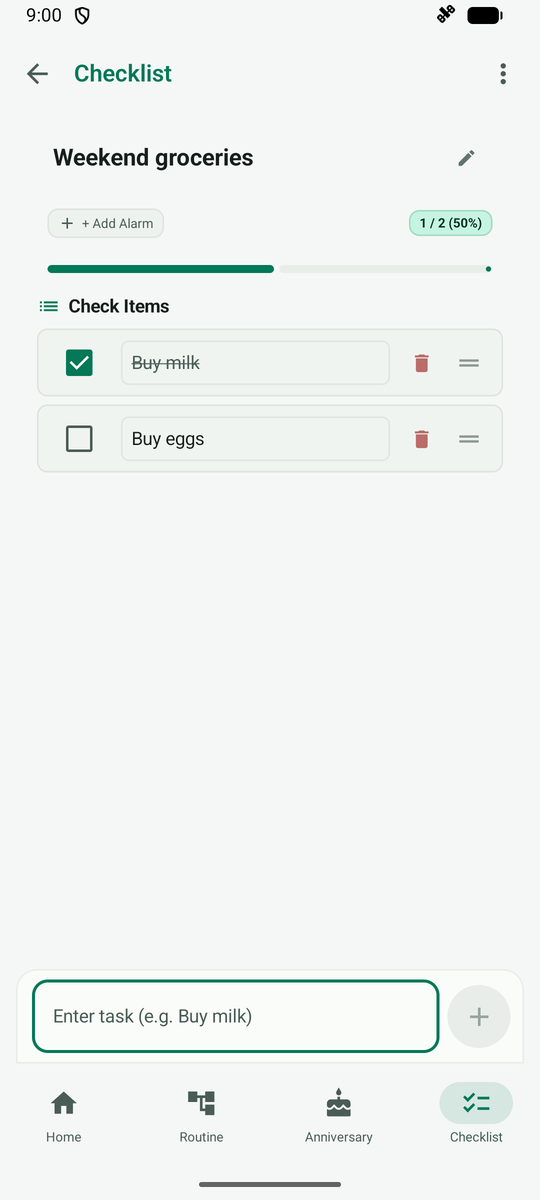
Once all items are in, use the checkbox on the left to mark one as done.
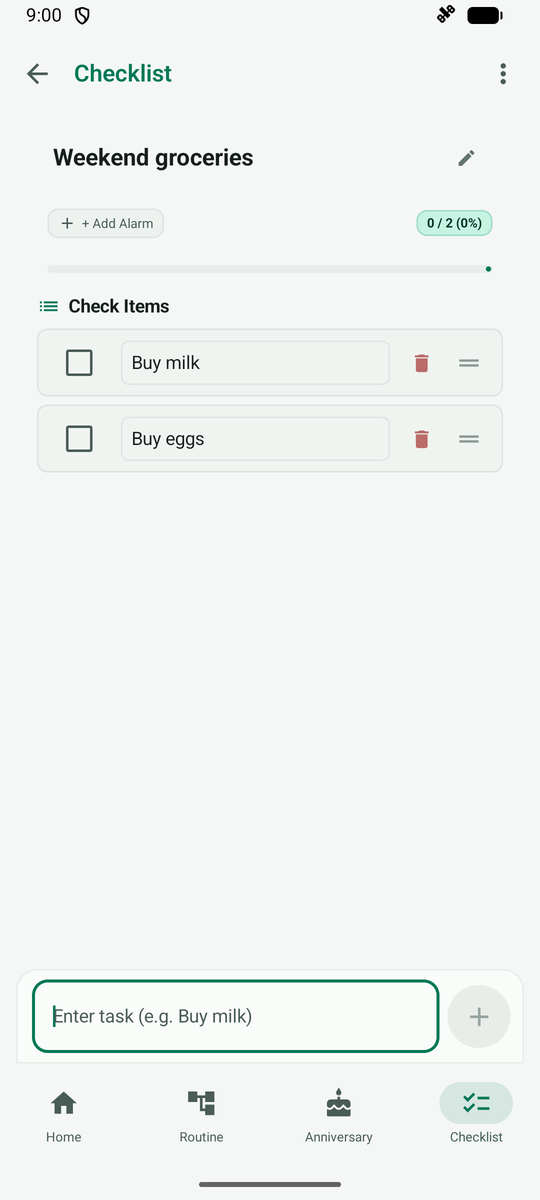
Tapping a checkbox marks it done and the progress goes up.