Add a Birthday or Anniversary
How to register a birthday or yearly anniversary so you can see the days elapsed and the countdown to the next yearly date. The example is 'Emma's Birthday'.
Open the Anniversary tab at the bottom and switch to Anniversary at the top.
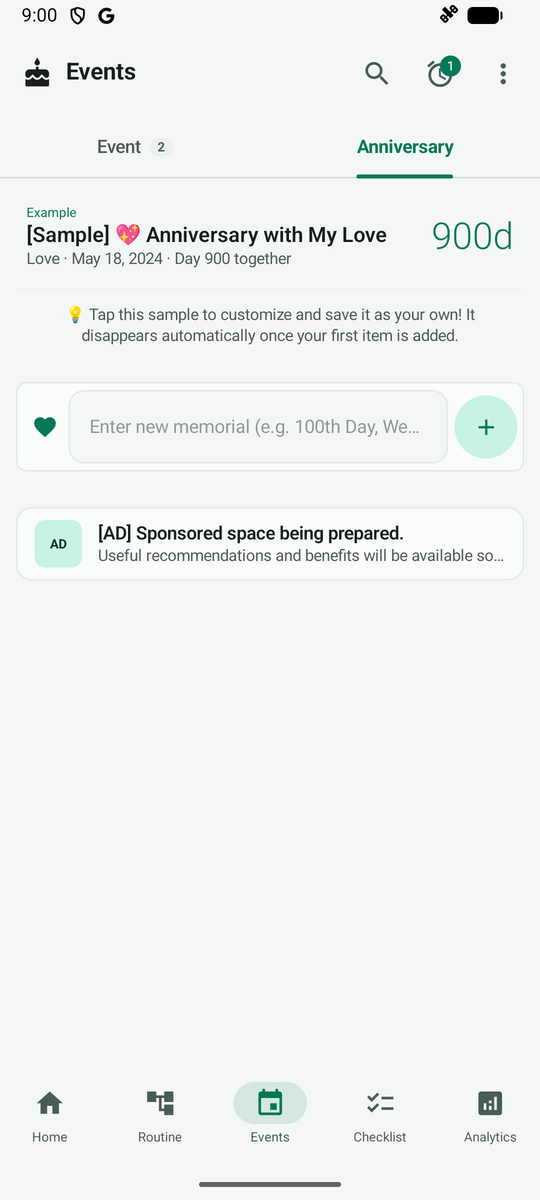
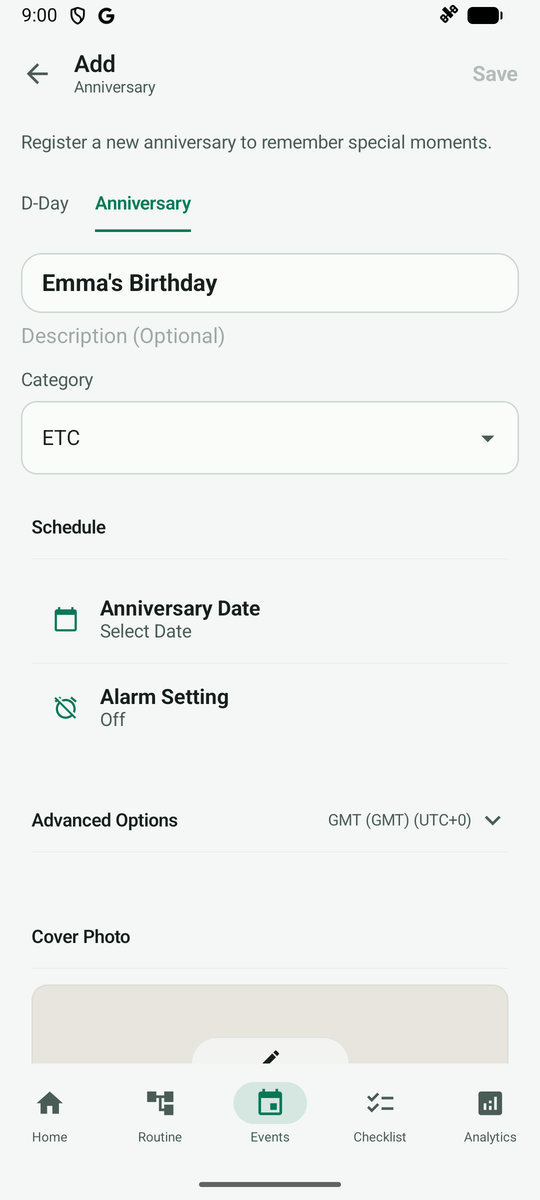
Type the birthday or anniversary name and tap + to open the Add Anniversary screen. Tap Anniversary Date below the name.
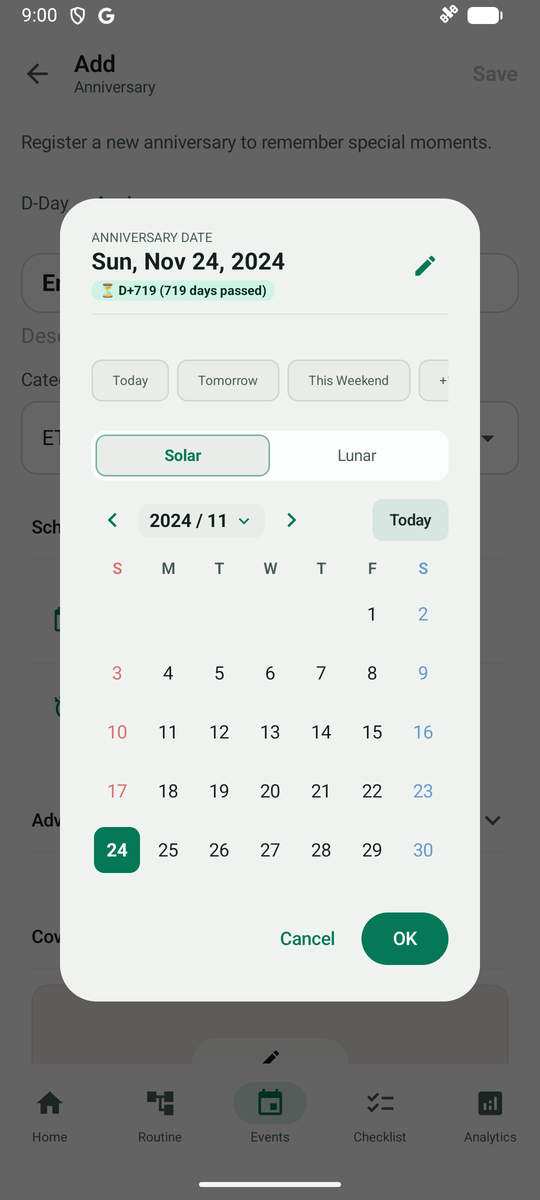
In the date picker dialog, you can pick a date on the calendar or tap the pencil icon at the top right to enter the birth year and date directly.
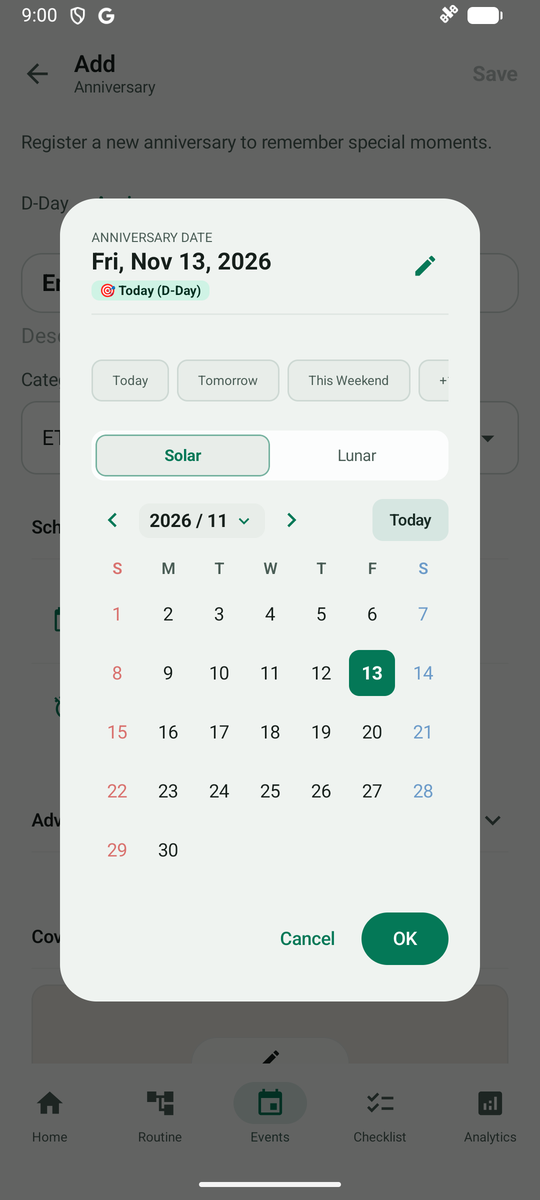
Select the birth year, month and day, then tap OK.
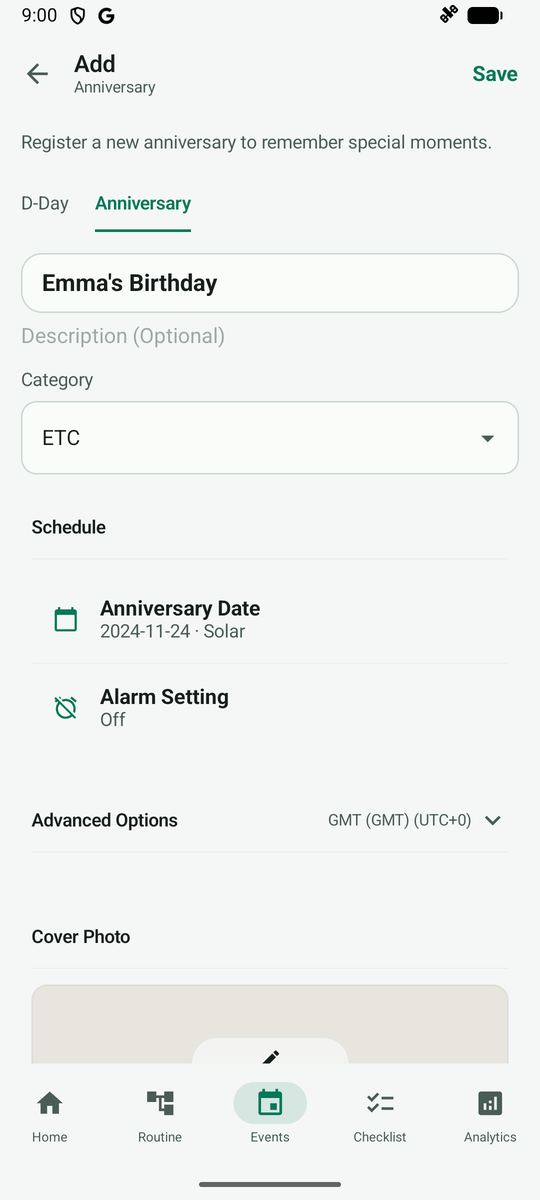
Check that the birth date is filled into Anniversary Date, then tap Save at the top right.
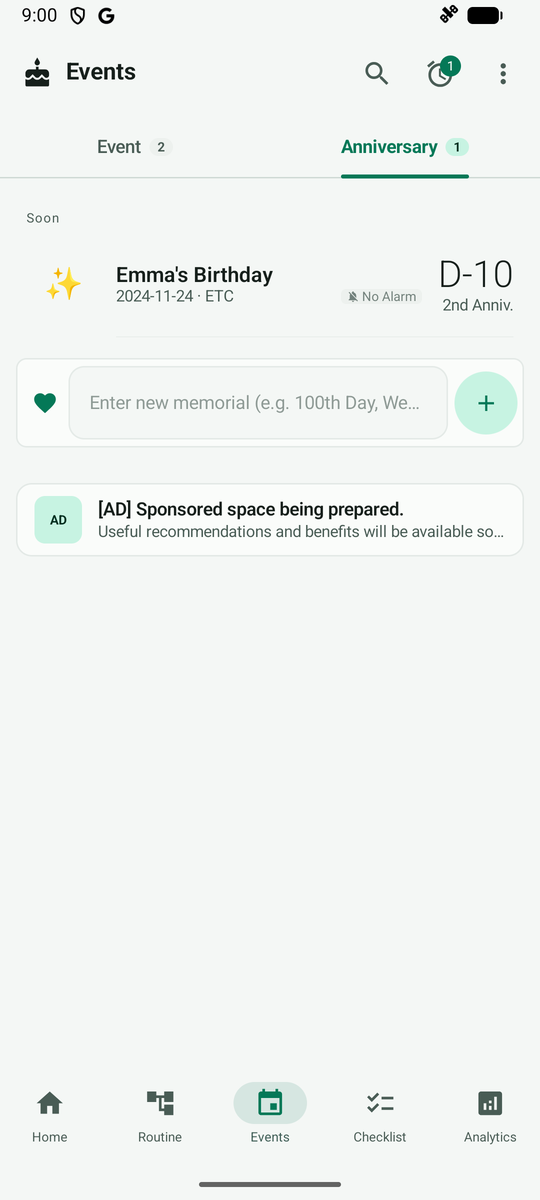
After saving, the card in the Anniversary list shows the days elapsed since birth and the days remaining until the next birthday.