See Your Day on Home
How to see today's schedule and what to do next on the Home screen.
Home shows the calendar, what is up next and the alarm status on one screen.
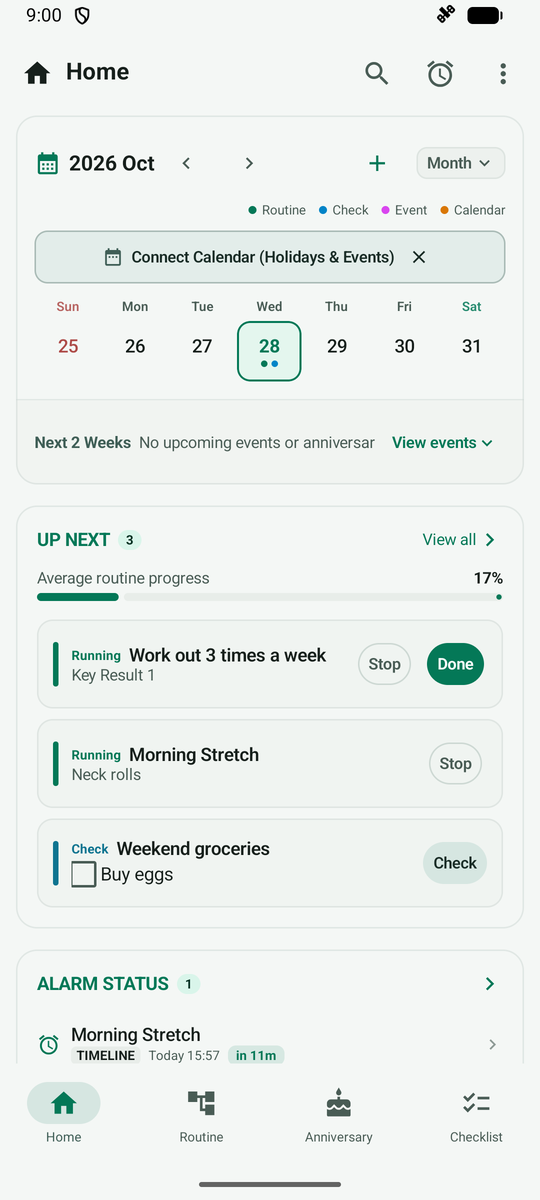
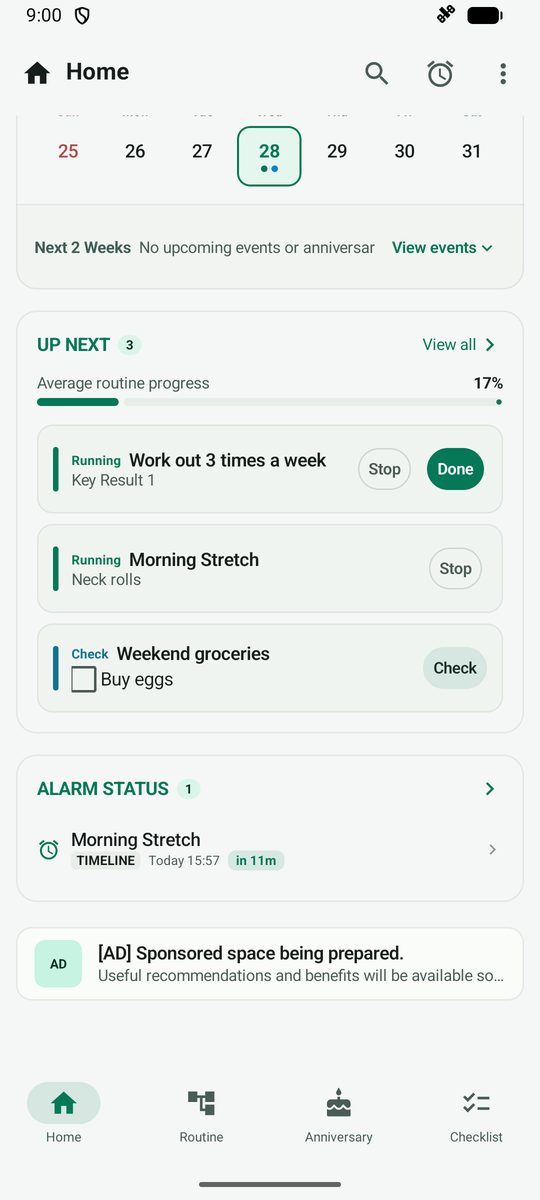
Scroll down to see the up-next list and upcoming alarms. Tap an item to carry on right away.
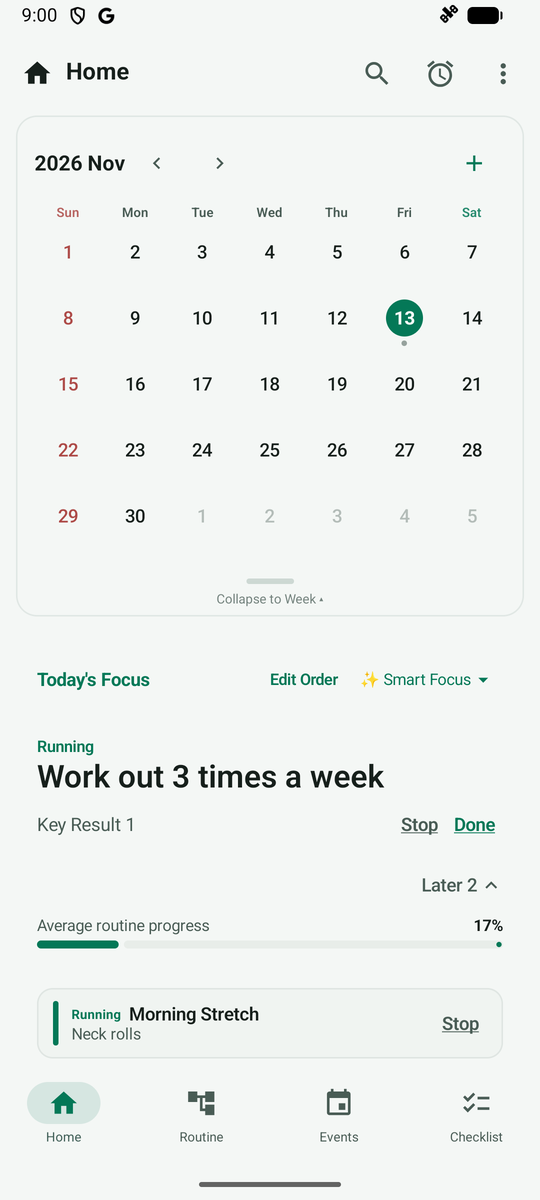
Tap the handle below the calendar to expand it to the full month and see the dots for each day's routines and events.
If you add the All-in-One Calendar widget to your phone's home screen, you can check your calendar, today's tasks and anniversaries right from the home screen without opening the app.