Statistics and Weekly Review (Labs)
Labs feature
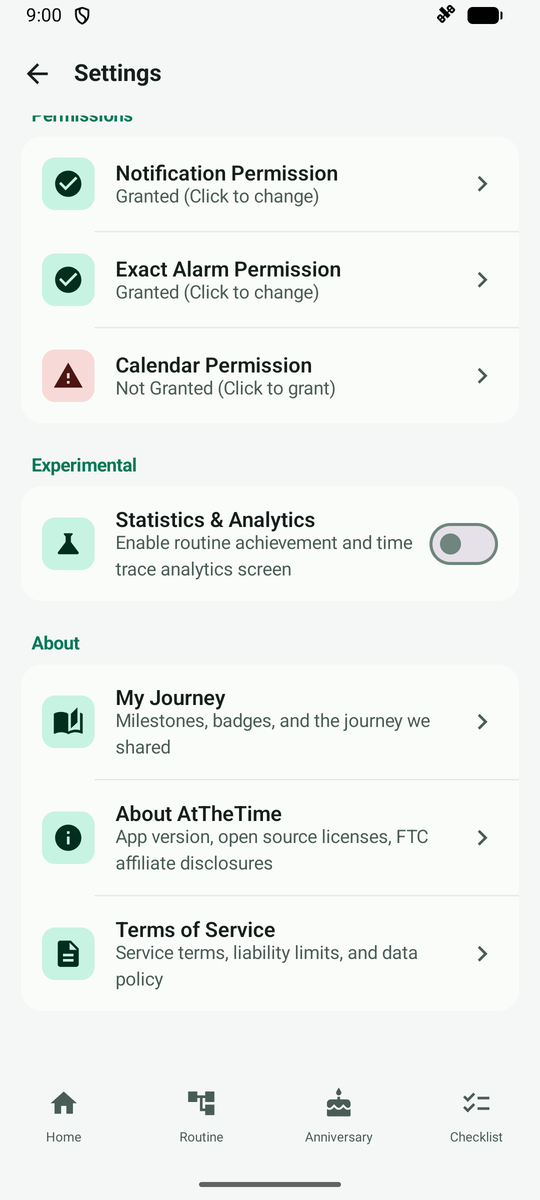
You need to turn this on under Experimental in Settings, and its screens or behavior may change in the future.
Open More > Settings and tap Statistics & Analytics under Experimental near the bottom.
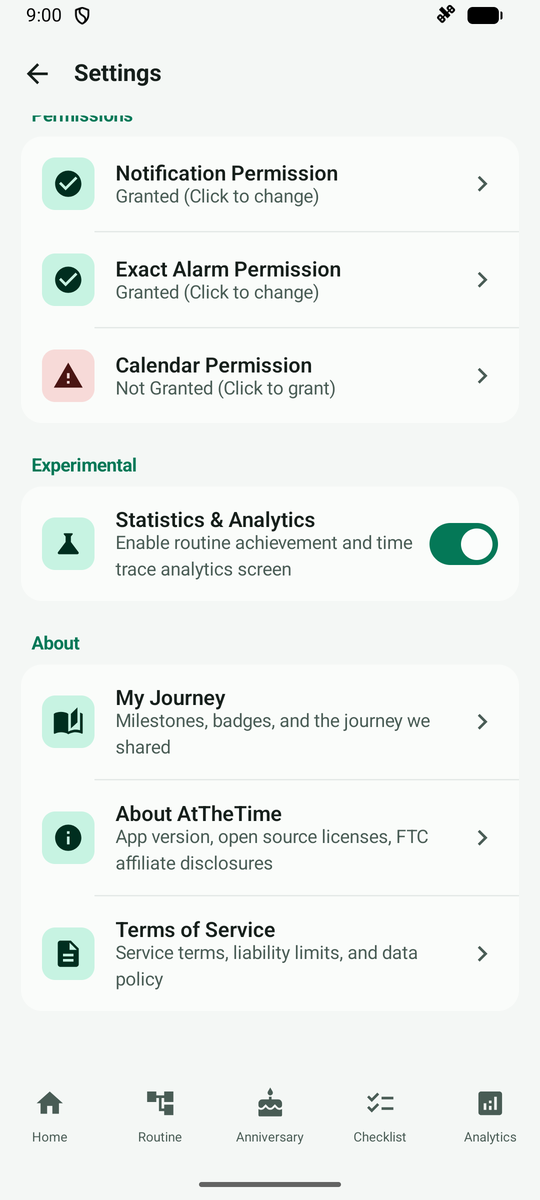
Once it is on, a Statistics tab appears at the bottom.
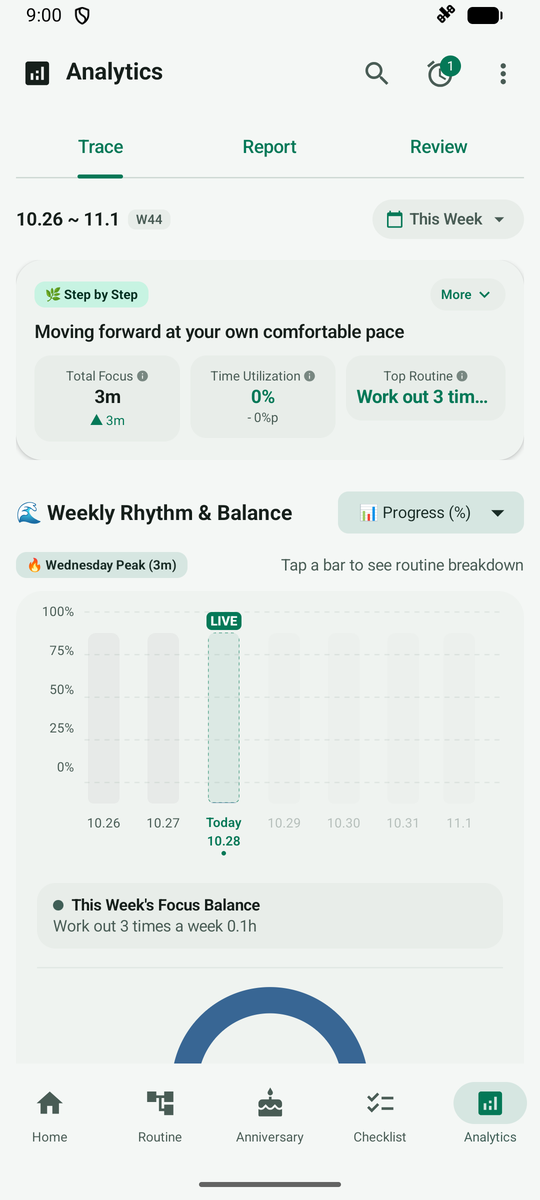
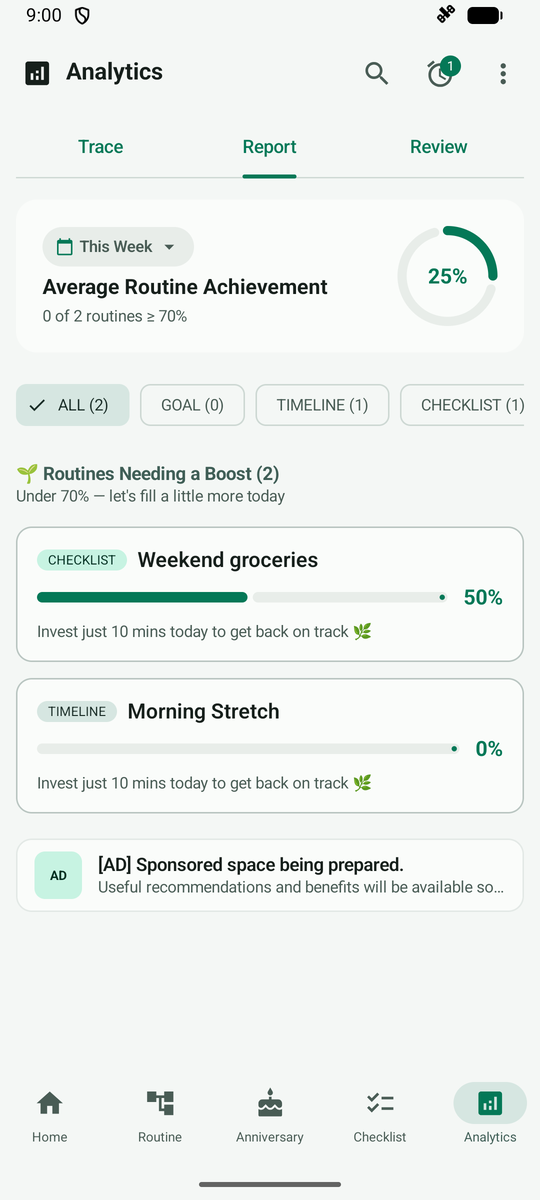
The Statistics screen has three tabs: Trace (time tracking), Report (overall achievement) and Review.
The Report tab gathers how far each routine has come.
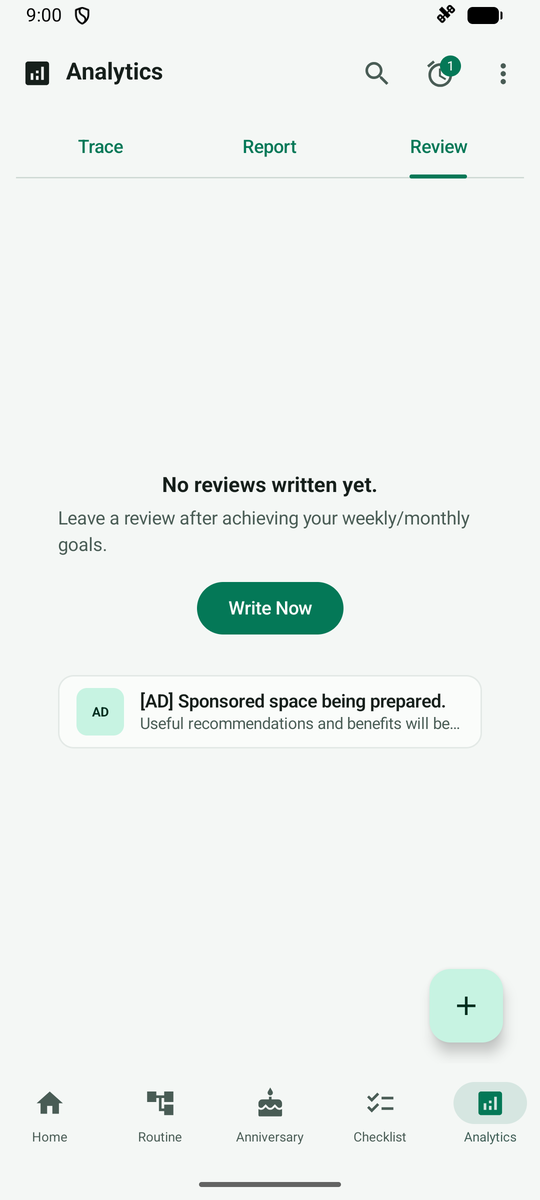
The Review tab collects the reviews you write. At first it shows a Write Now button.
Tap Write Now to open a sheet for looking back on the week. The routine you focused on most is shown with it.
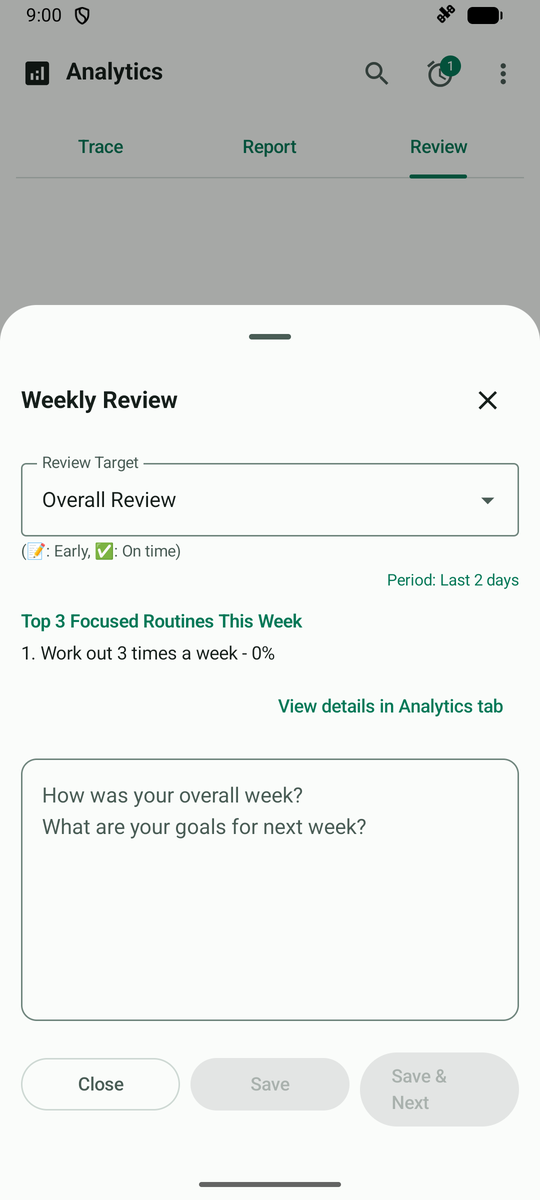
Write your thoughts and tap Save. The review is added to the list.