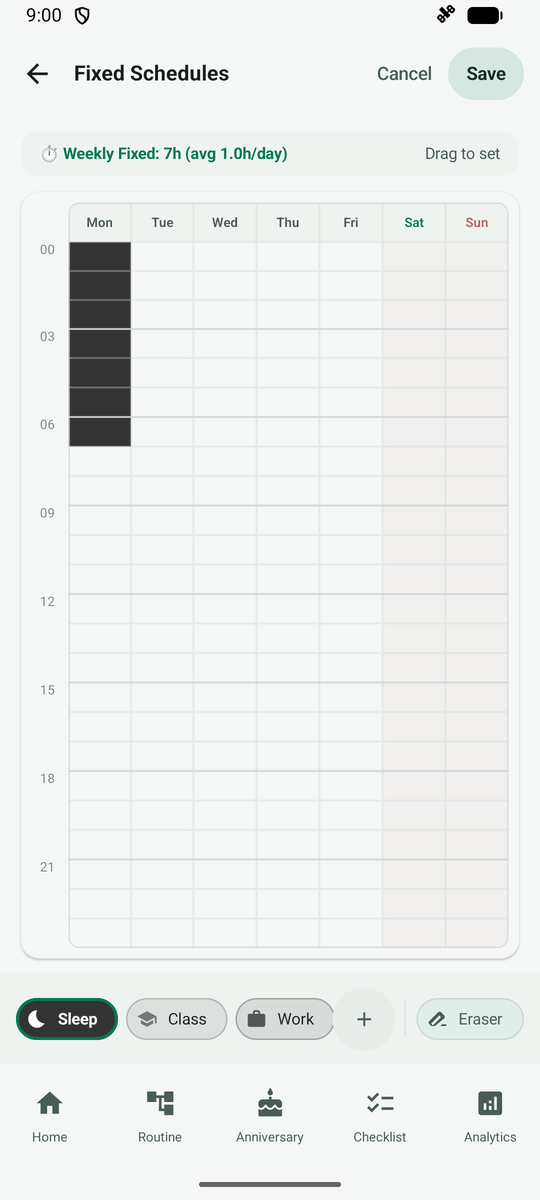
Set Your Fixed Timetable
Mark weekly recurring time such as sleep, classes or work on a timetable.
Open More > Settings > Fixed Schedules. Here you set the time that repeats every week.
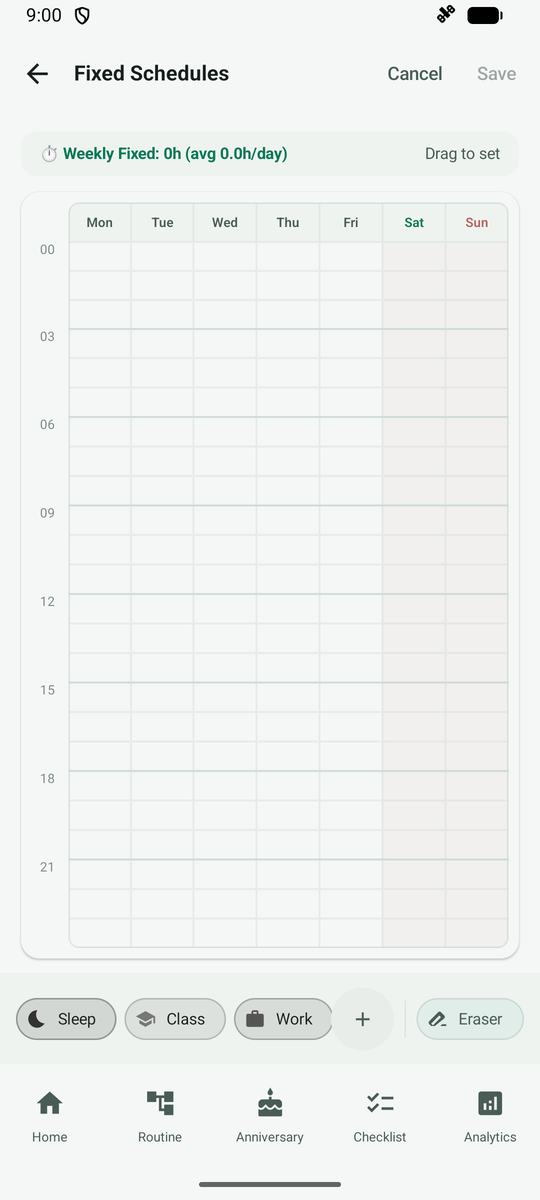
First choose the category you want to paint at the bottom.
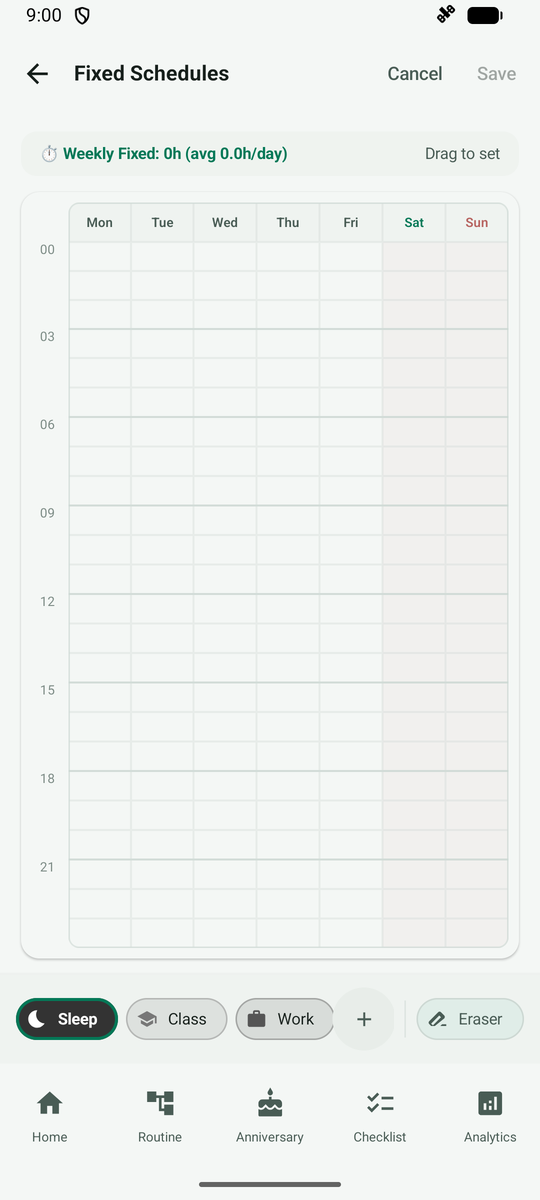
Drag your finger over the hours you want and they fill with the category color. Paint other days too, then save.