Goal Routines and Sub-goals
Make a routine where you work through sub-goals in any order. The example is a 'Workout 3x a Week' routine.
Type a routine name and tap + to open the new routine screen. Choose the mode with the chips at the top.
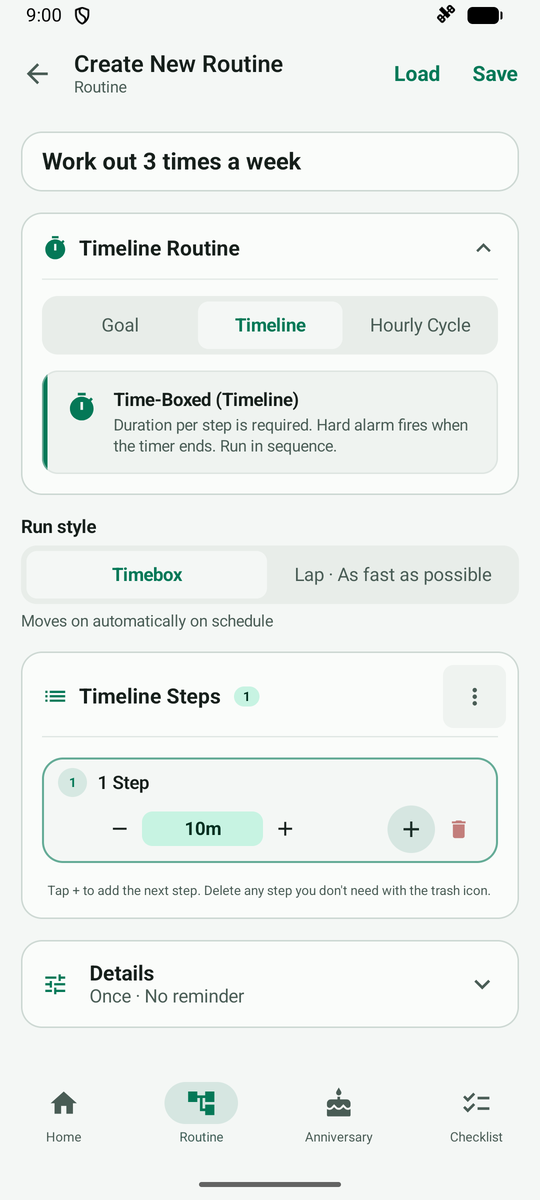
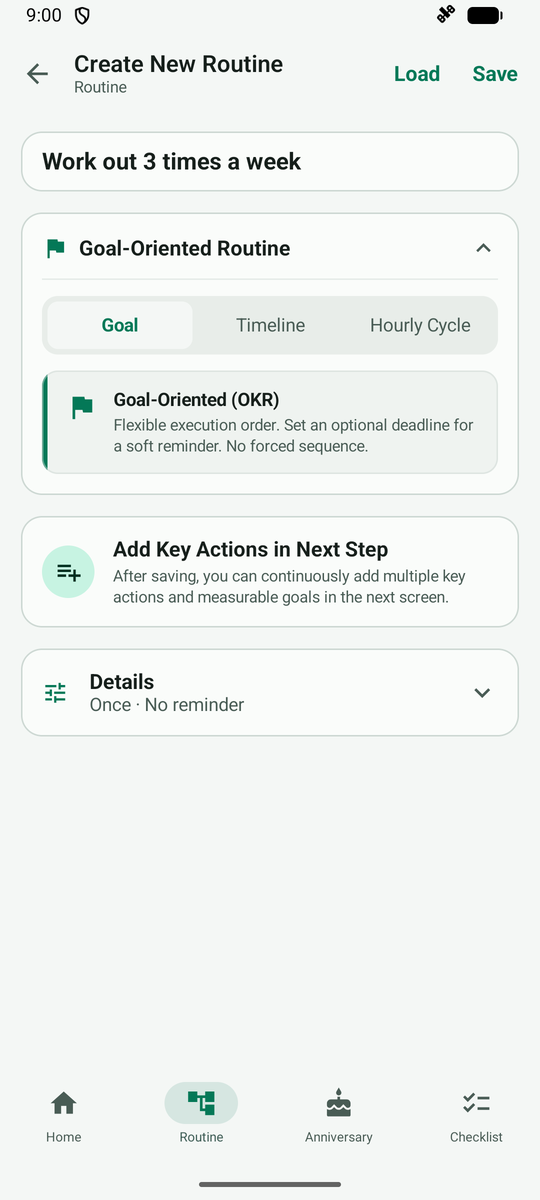
Tap the Goal chip to make a routine of sub-goals you tackle one by one. Then tap Save at the top right.
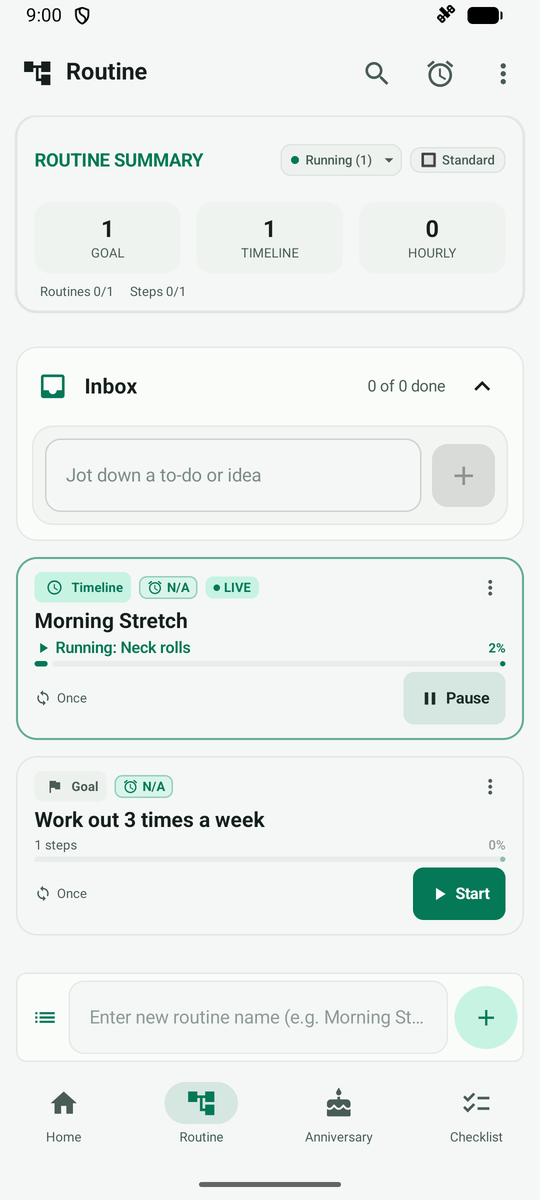
A goal card appears in the list. Tap it to add sub-goals.
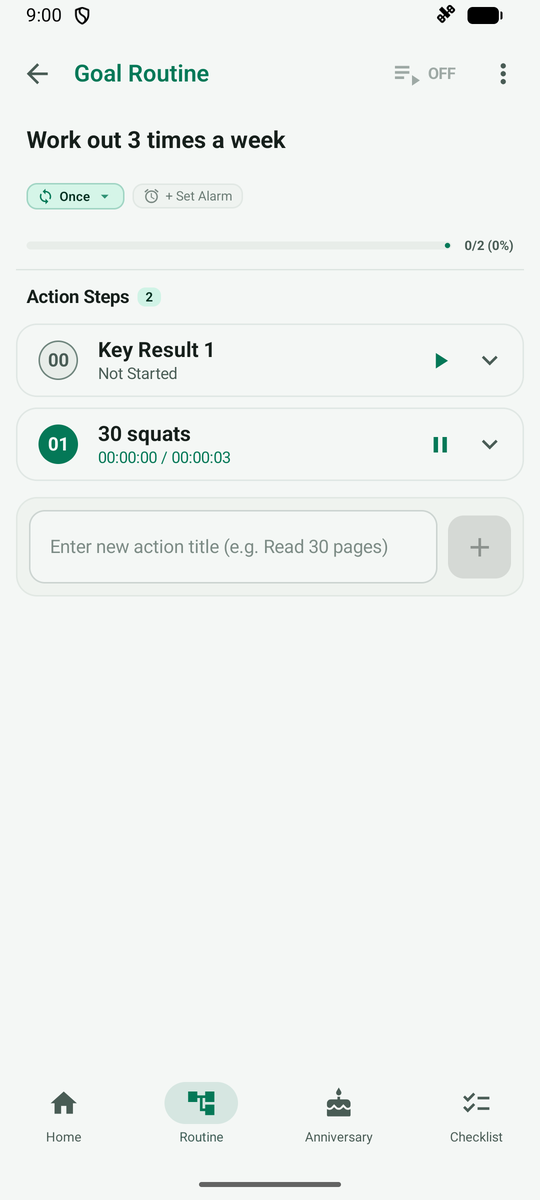
The card opens a screen for adding and managing sub-goals. Type an activity name and tap +.
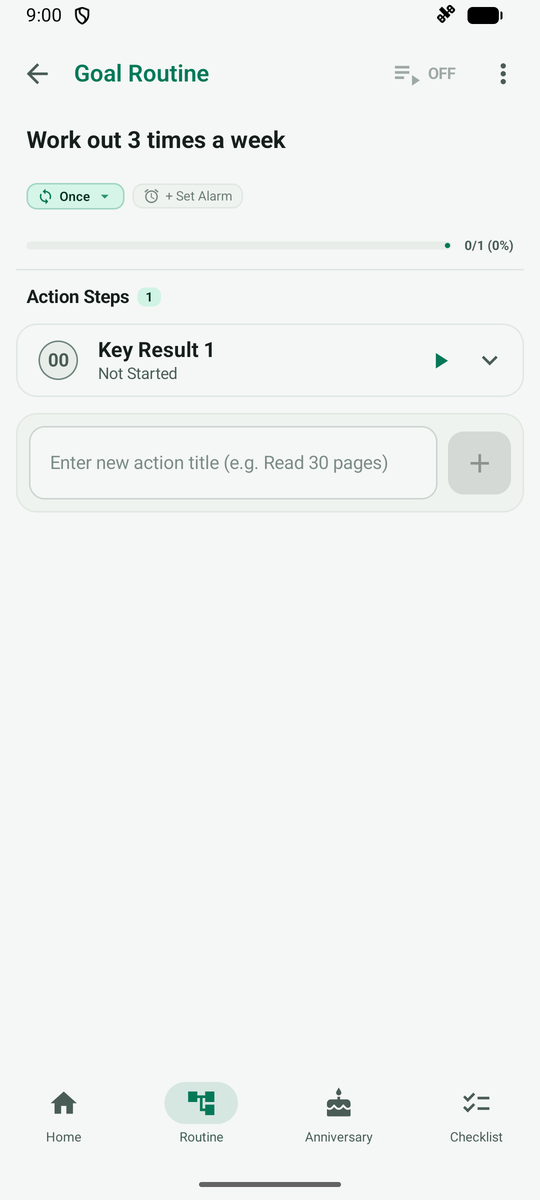
The activity is added to the list, and a short hint about opening its detailed settings appears.
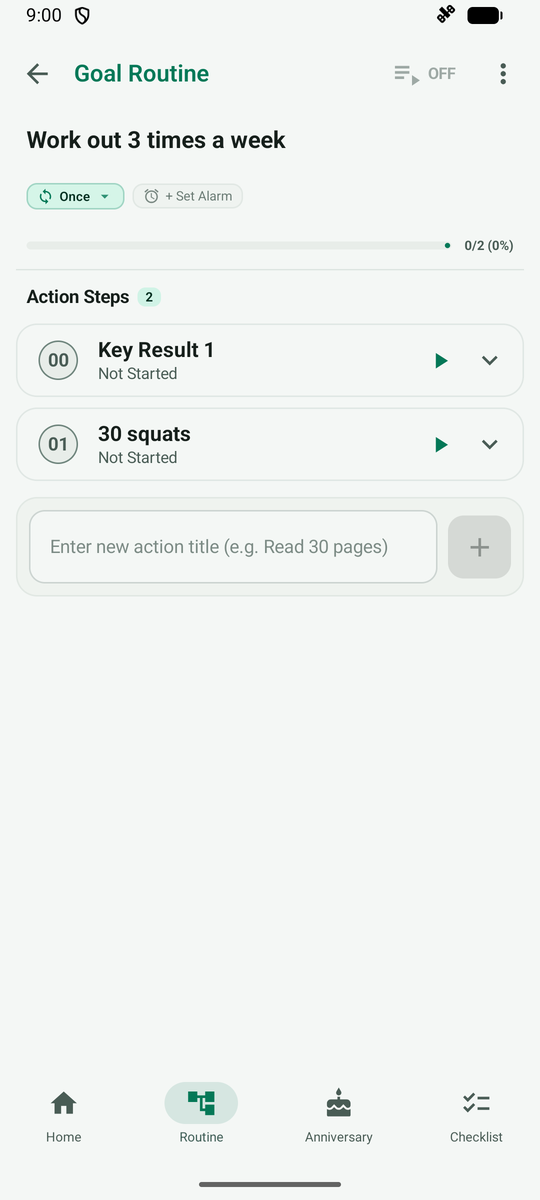
Tap Start next to an activity and it switches to in progress with the time running. Finish with pause or complete.